
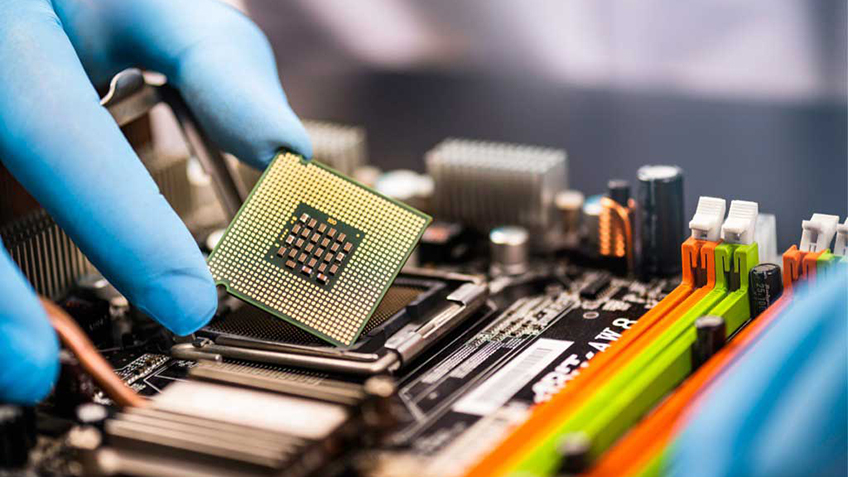
This course is designed to provide a comprehensive understanding of computer hardware and troubleshooting techniques. It equips learners with the skills to assemble, maintain, and repair computer systems, diagnose issues, and implement solutions. Perfect for IT enthusiasts, technicians, and beginners aspiring to build a career in hardware support.
Introduction to Hardware Components
Understanding the functions of CPU, RAM, storage devices, and peripherals.
Motherboard architecture and component compatibility.
Power supplies and cooling systems.
Computer Assembly and Configuration
Assembling and disassembling computer systems.
Installing and configuring operating systems and drivers.
BIOS/UEFI setup and firmware updates.
Troubleshooting Techniques
Diagnosing hardware issues with tools and utilities.
Resolving boot errors, crashes, and performance problems.
Testing and replacing faulty components.
Network Hardware Basics
Introduction to routers, switches, and modems.
Setting up wired and wireless connections.
Diagnosing and troubleshooting network issues.
Peripheral Devices and Maintenance
Connecting and configuring printers, scanners, and external devices.
Maintaining hardware components for optimal performance.
Backing up data and ensuring system security.
Advanced Troubleshooting and Support
Identifying compatibility issues and conflicts.
Data recovery from damaged drives.
Customer support strategies and professional troubleshooting workflows.
Beginners interested in computer hardware and maintenance.
Aspiring IT support professionals and hardware technicians.
Students studying computer science or IT-related fields.
Professionals looking to enhance their hardware troubleshooting skills.
Hands-On Learning: Practical sessions on assembly and repair.
Industry-Relevant Skills: Techniques used by professional IT support teams.
Comprehensive Coverage: From basics to advanced troubleshooting.
Career-Ready: Prepares you for hardware certification exams.
Step-by-step hardware assembly guides.
Diagnostic tools and troubleshooting techniques.
Practical exercises and real-world scenarios.
Certification upon completion.
Duration: 1 Month.
Mode: Offline.
Learn how to build and troubleshoot computer systems from scratch. Gain practical skills that are highly sought after in the IT industry. Enroll now and take the first step toward becoming a hardware expert!


 Course Details