
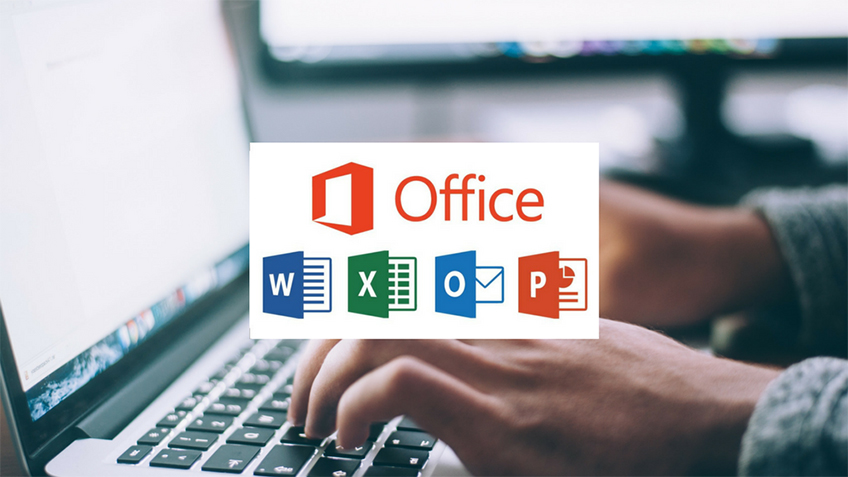
Learn to efficiently use Microsoft Office applications and enhance your productivity in work or study. This comprehensive course covers Word, Excel, PowerPoint, and Outlook, enabling you to create professional documents, analyze data, deliver impactful presentations, and manage emails like a pro. Whether you're a beginner or looking to sharpen your skills, this course provides hands-on training for practical, real-world applications.
Microsoft Word
Create, format, and edit professional documents.
Use styles, templates, and themes for consistency.
Insert tables, charts, and images for enhanced visuals.
Master collaboration tools like track changes and comments.
Microsoft Excel
Learn data entry, formatting, and basic functions.
Use advanced formulas like VLOOKUP, IF, and pivot tables.
Analyze data with charts and conditional formatting.
Automate tasks with macros and Excel shortcuts.
Microsoft PowerPoint
Design engaging presentations using templates and layouts.
Add animations, transitions, and multimedia elements.
Learn storytelling techniques for impactful presentations.
Practice presenting with speaker notes and rehearsal tools.
Microsoft Access
Understand database creation and management fundamentals.
Design tables, forms, and queries for efficient data storage and retrieval.
Create relationships and use primary/foreign keys to ensure data integrity.
Build reports to visualize and analyze database content.
Hardware & Troubleshooting
Identify and understand essential computer hardware components.
Diagnose and resolve common hardware and peripheral issues.
Perform system maintenance, updates, and performance optimizations.
Utilize diagnostic tools to troubleshoot hardware failures effectively.
Networking
Learn networking basics, including LAN, WAN, and Wi-Fi setup.
Configure and secure routers, switches, and network devices.
Understand IP addressing, DNS, and network protocols.
Troubleshoot connectivity issues and optimize network performance.
Students and professionals looking to enhance productivity.
Office administrators and clerks who manage data and documents.
Business owners and entrepreneurs needing to create reports and presentations.
Anyone looking to build essential office software skills.
Practical Skills: Gain hands-on experience with real-world projects.
Expert Guidance: Learn from experienced trainers.
Comprehensive Curriculum: Covers all core MS Office tools.
Certification: Earn a certificate to showcase your skills.
Practice exercises and downloadable templates.
Quizzes to reinforce learning and track progress.
Access to updated MS Office features and tips.
Duration: 6 Month.
Mode: Offline / Online self-paced learning with live Q&A sessions.
Master Microsoft Office and open doors to new career opportunities. Enhance your productivity, streamline your workflow, and deliver exceptional results in all your tasks. Join now to get started!








 Course Details